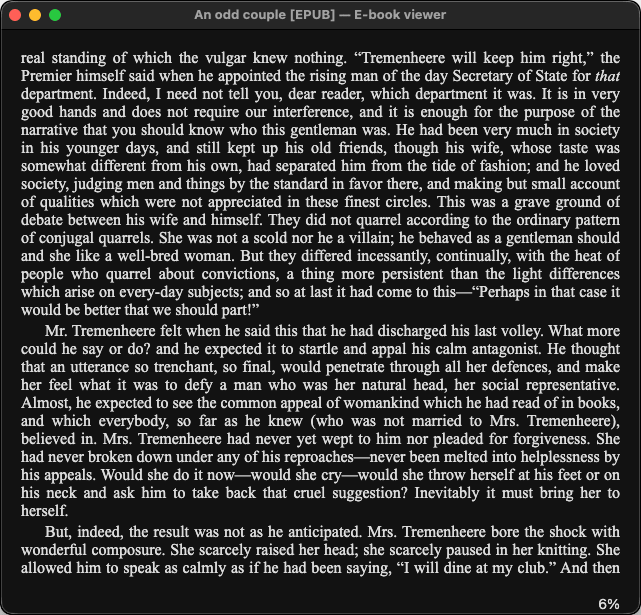
Calibre on Mac is a free, open-source e-book management and conversion application. If you are serious about managing a digital book library, this is the go-to tool. It will handle everything from organizing and converting your e-books to sending them directly to your devices, and even features a comprehensive built-in e-book reader.
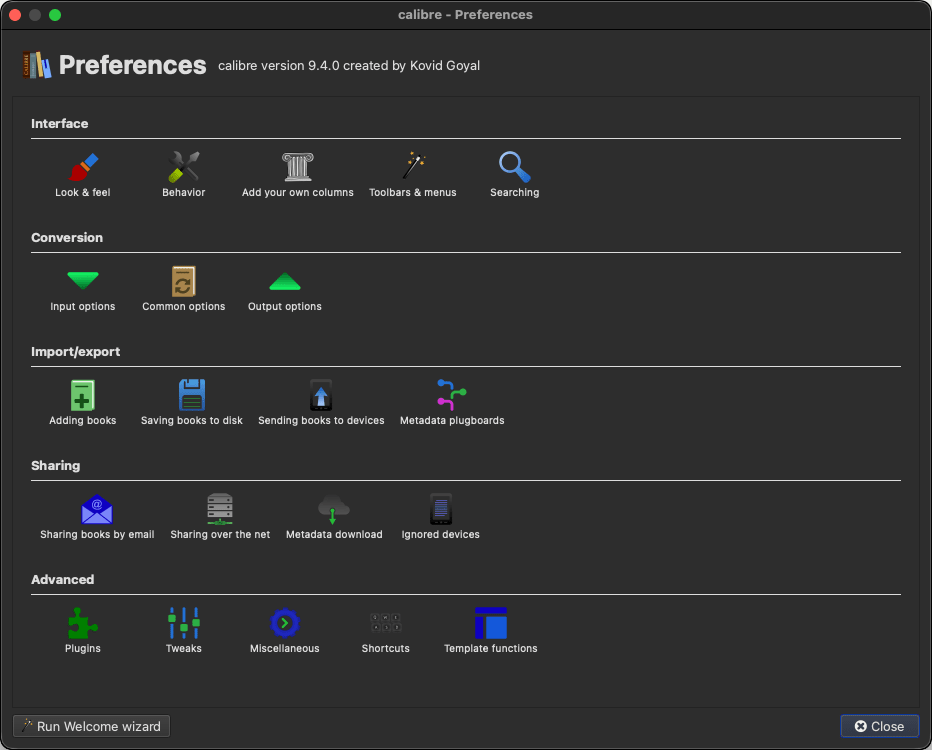
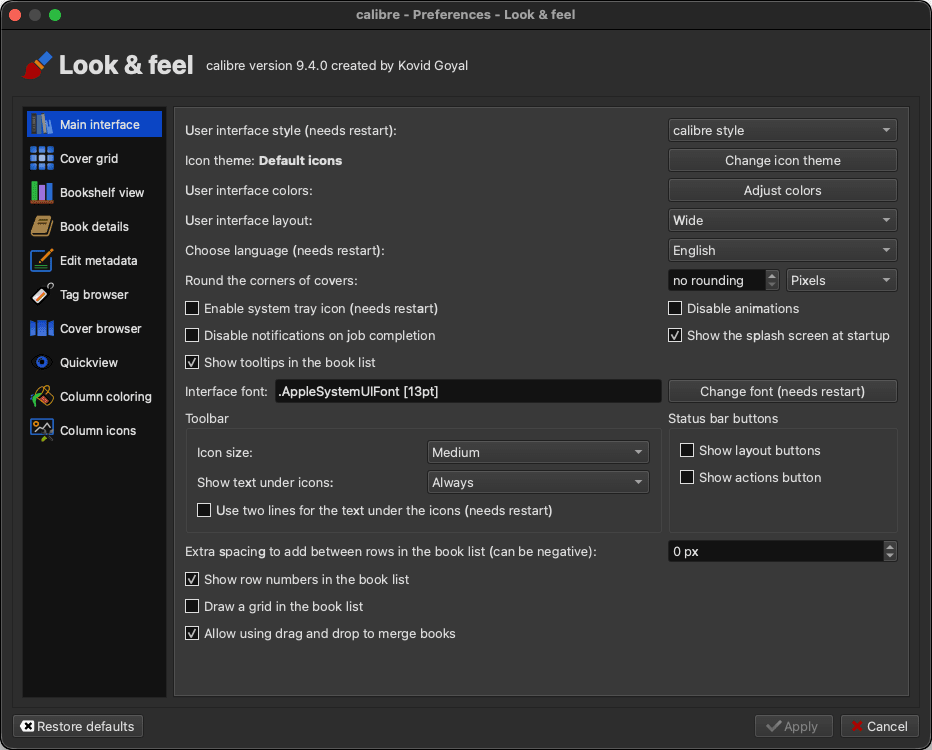
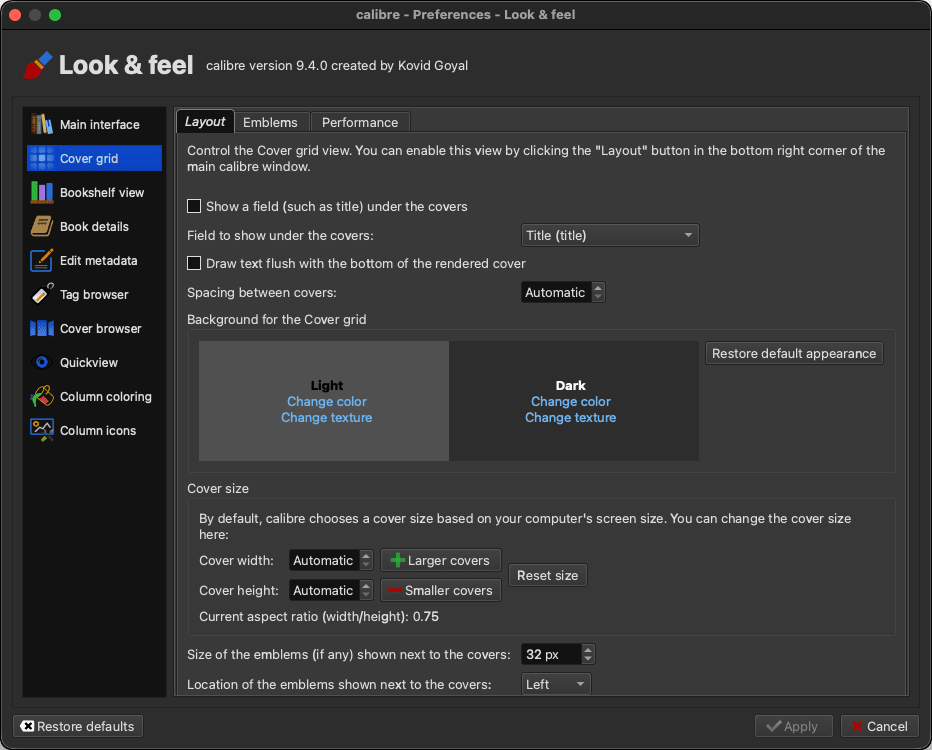
While its interface lacks modern macOS design aesthetics, it is exceptionally effective. What it lacks in visual appeal, it makes up for in functionality and features. For readers, collectors, and digital library managers, this is basically a must-have.
E-book library management
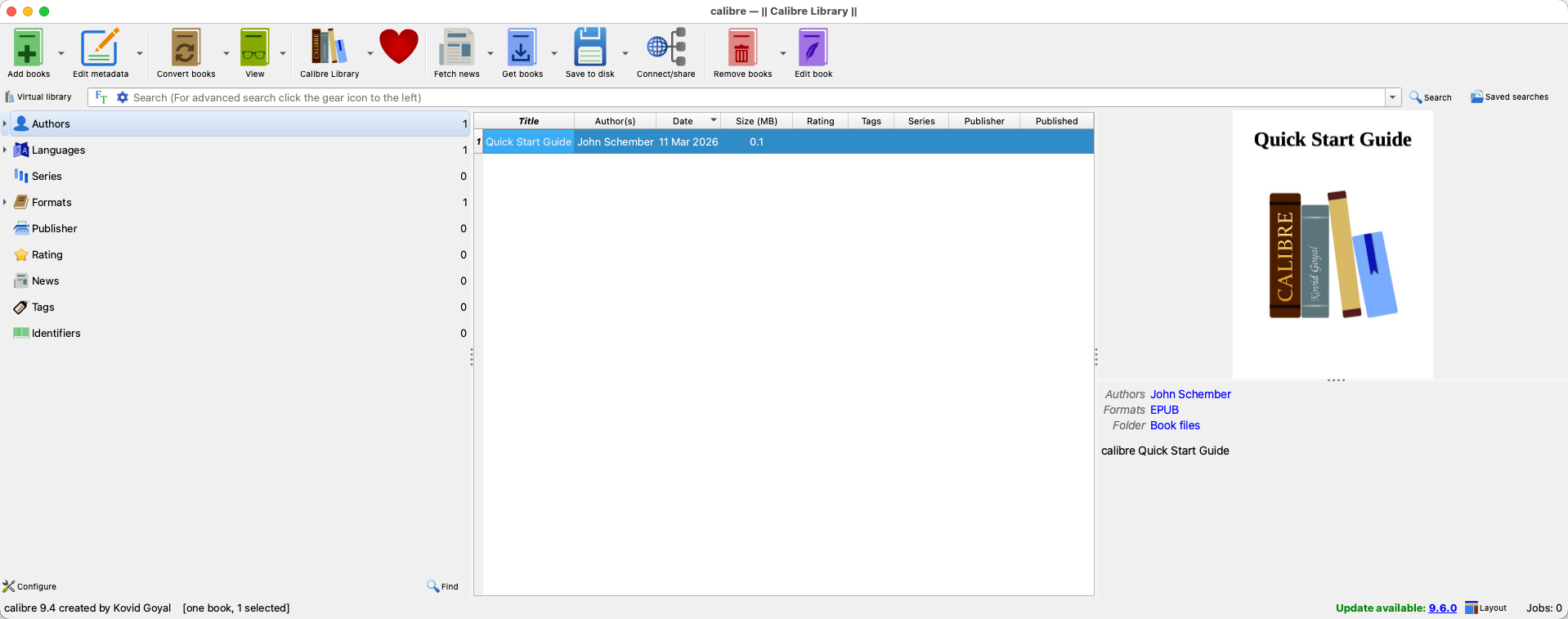
The core functionality of Calibre is its comprehensive library management system. It is genuinely impressive in scope and flexibility. For starters, it supports a wide range of e-book formats, including EPUB, AZW3, PDF, CBZ, and many more. It then organizes them into a unified, searchable library.
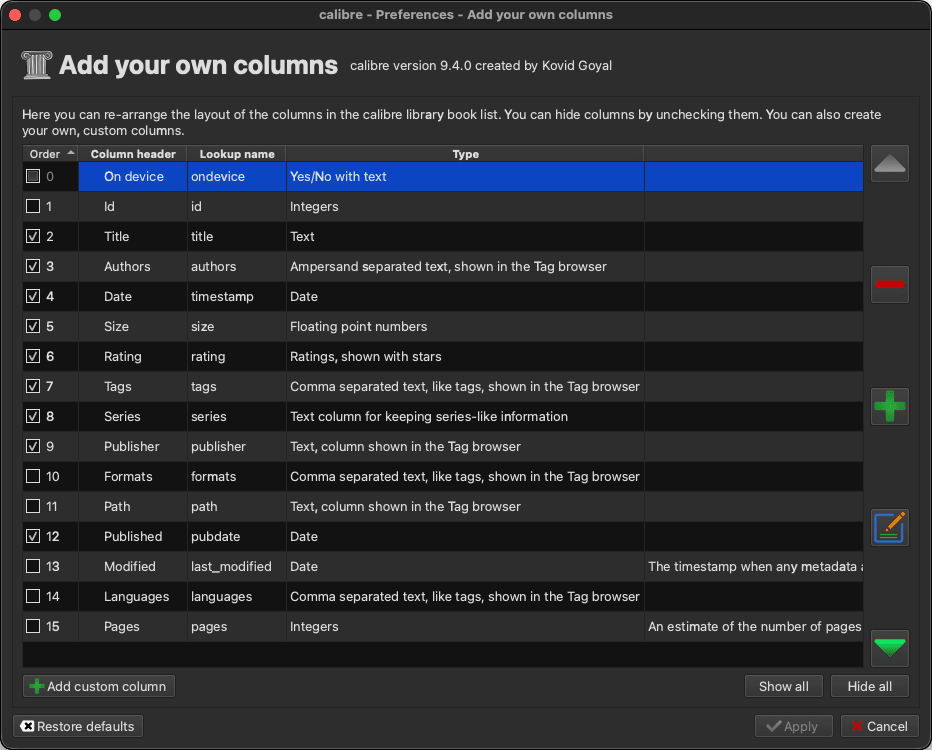
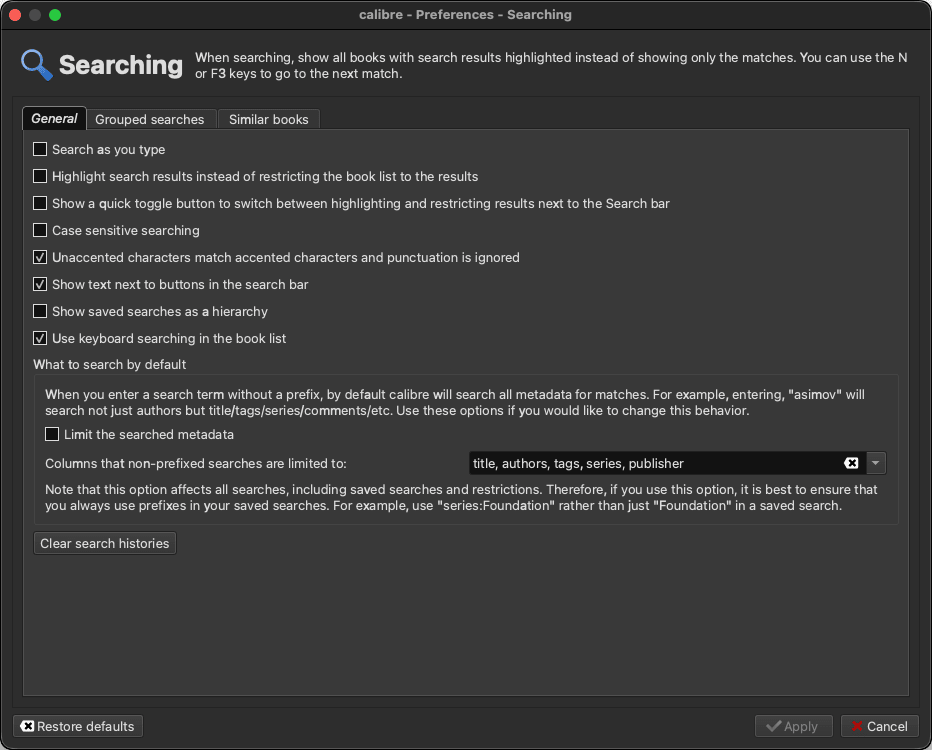
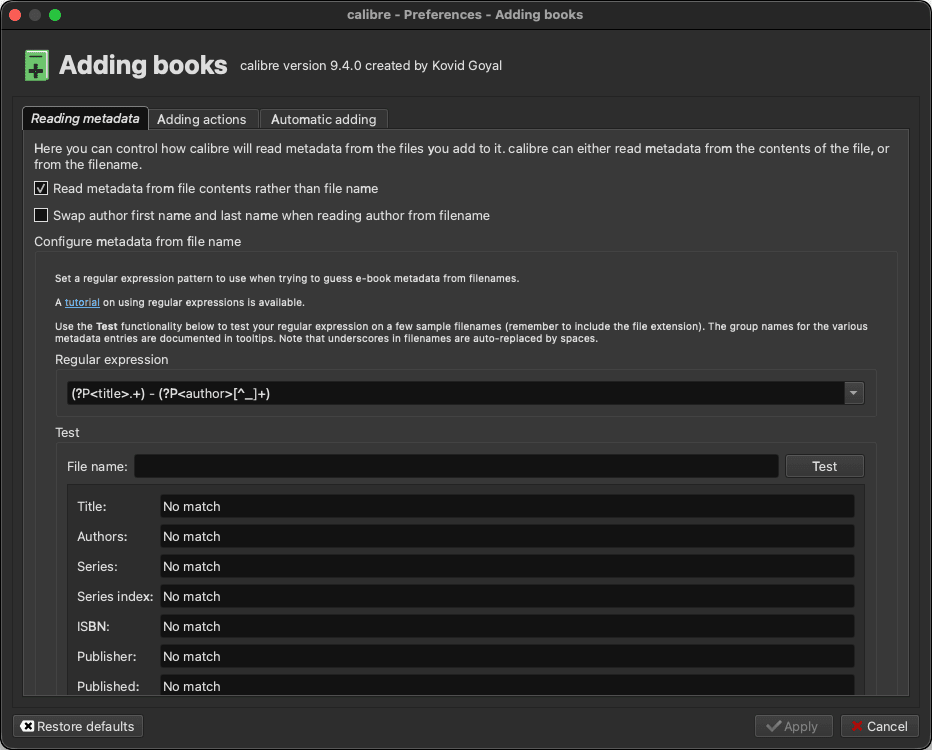
Each entry stores detailed metadata, including title, author, publisher, tags, series information, and more. You can manually edit each bit of metadata or fetch it automatically from online sources like Google Books or Amazon. The best part of this digital library is that it is highly configurable, allowing you to sort and filter as needed.E-book conversion
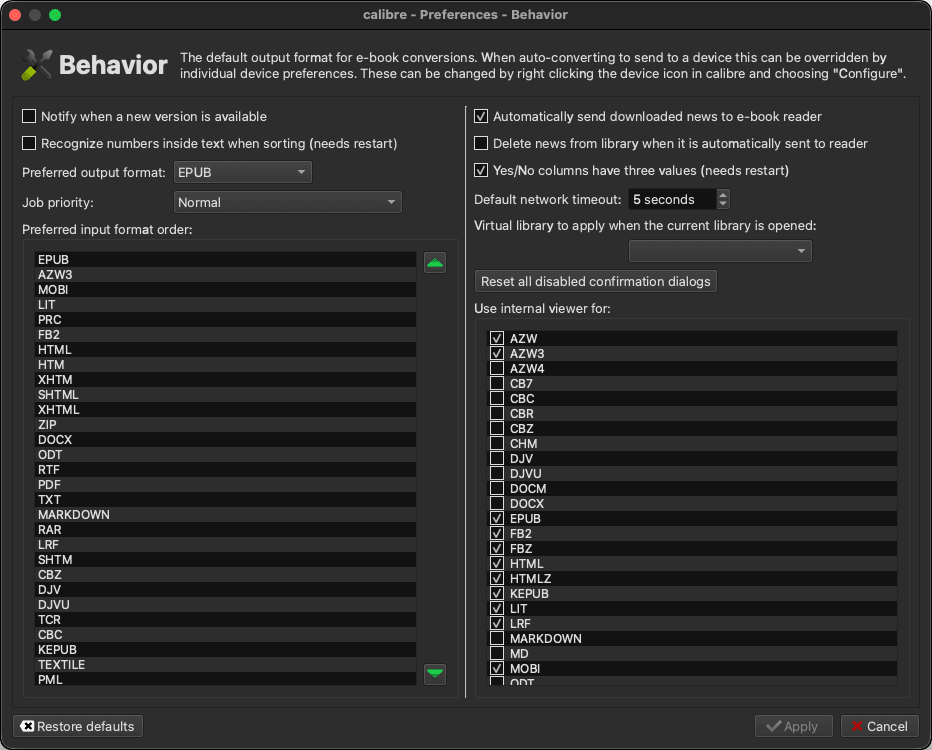
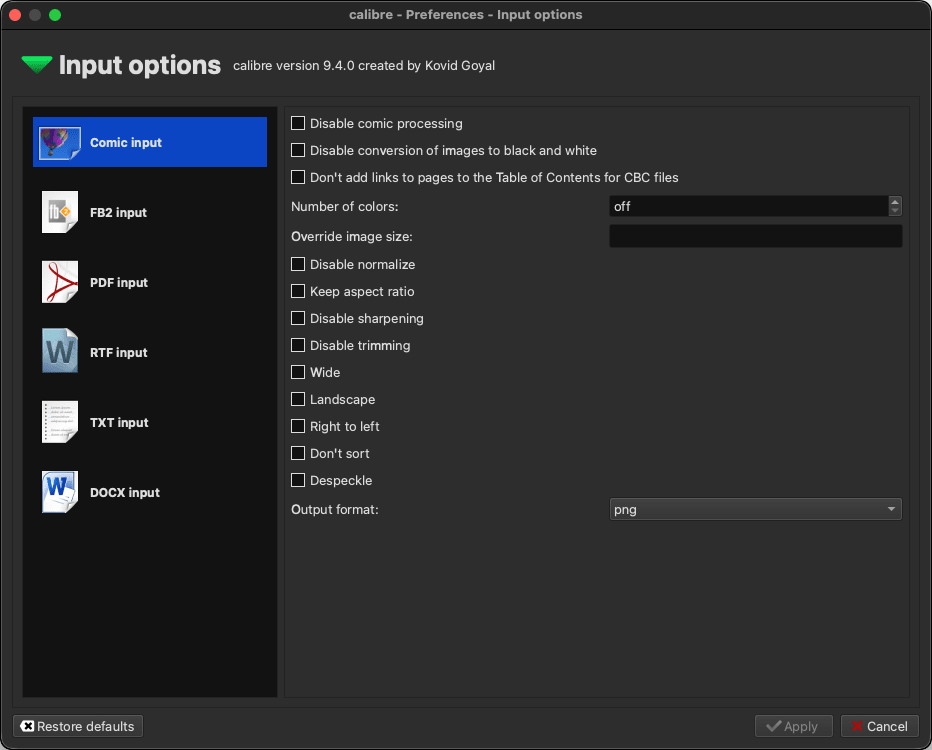
One of Calibre's most powerful and frequently used features is its e-book conversion engine. It can convert between a wide range of formats - EPUB to AZW3, PDF to EPUB, AZW3 to PDF, and dozens of other combinations - with a level of control that no other free tool comes close to matching. Users can adjust font sizes, margins, paragraph spacing, chapter detection, and much more before converting.
This is particularly useful for Kindle users who prefer sideloading books via USB or for anyone trying to standardize their library into a single preferred format. The conversion quality is not always perfect, especially with complex PDF layouts, but for standard e-book formats, it is consistently reliable.Device sync and content server
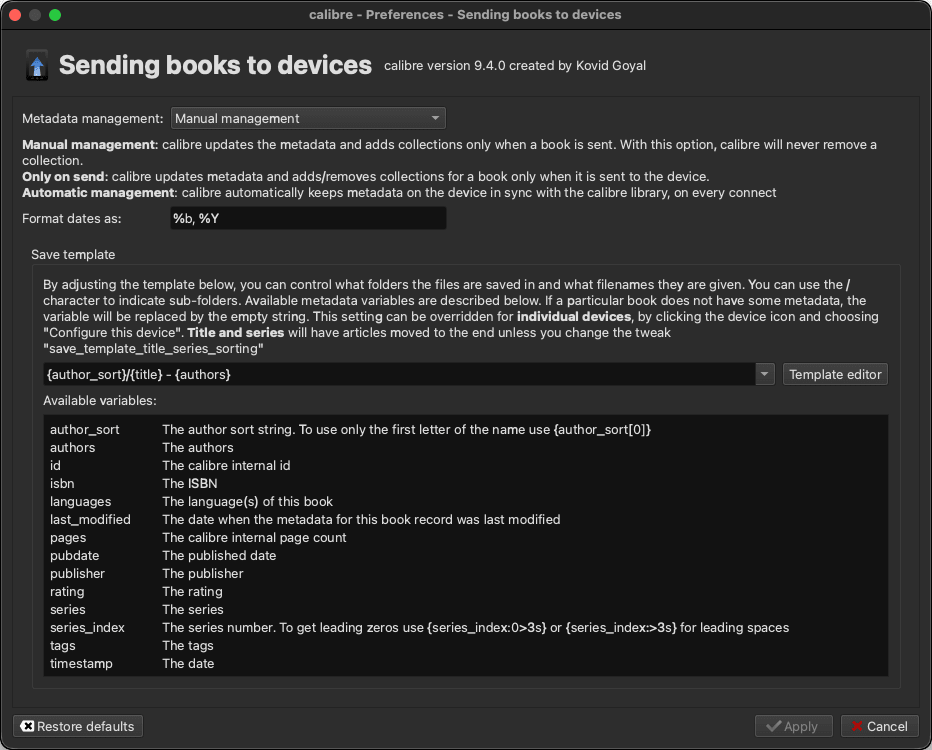
With Calibre, you can connect directly to a wide range of e-readers, including Kindle, Kobo, and Android-based readers. Once you have connected your device, you can transfer e-books and documents directly from your library within Calibre, manage the device’s existing content, and sync metadata updates.
This eliminates the need for proprietary manufacturer software. A built-in content server even turns your Mac into a personal e-book server, allowing you to access and download books from your Calibre library on any device connected to the same network through a web browser, which is a surprisingly capable and useful feature for home users with multiple devices.Unmatched in functionality for dedicated e-book users
Calibre is a completely free application that not only manages your entire digital e-book library but also offers incredible depth for power users. While the user interface is arguably dated and feels anything but modern, the functionality and feature set provided at absolutely zero cost is unmatched.